
Thursday March 15, 2012

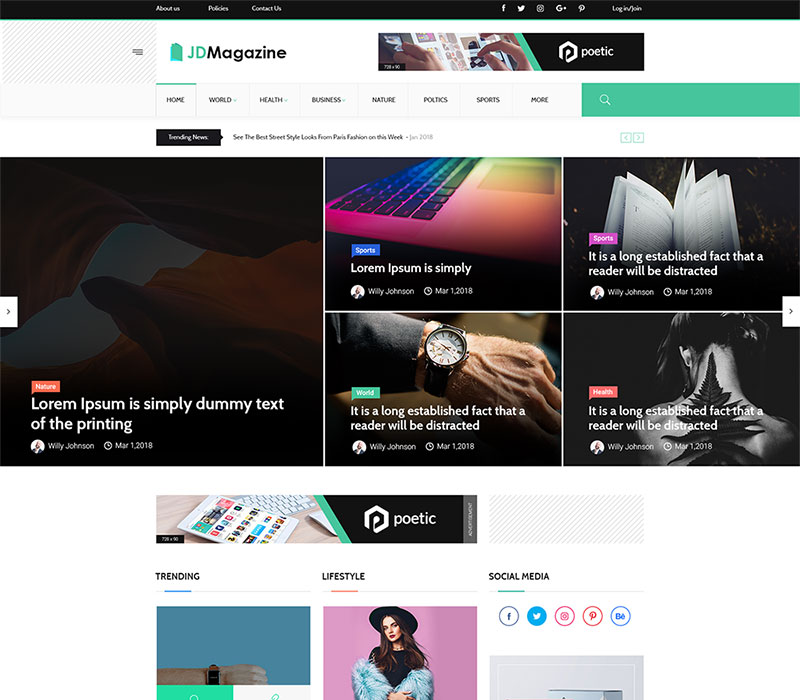
The Magazine News Joomla 1.7 Template

Preview
Publish date: Jan - 29 - 2012
Discussion: 3 Replies

Magazine Style Joomla 1.7 Template

Are you a blogger who’s looking for a great joomla design, do you need a quality magazine styled template for your news website or just need a simple and clean red colored template? The Magazine joomla 1.7 template is what you need. The theme is seo ready, comes with 10 module positions, css styled drop down menu, custom image and text logo option, etc…

If you want to display the date near the article heading, please activate the ‘Publish Date’ in the article options or if you want to activate this feature only on particular pages, you can control this in the ‘Article Options’ tab, inside the respective article editor.

The Magazine Module Positions:

3 Responses so far.

  1. Red flashdesign says:

    Hi,

    Very good template !
    I wonder where to put website description, down the logo position as usual, I cannot find where,
    I ask here if something is available in the template, otherwise I’ll have to go through css and index.php
    If someone can tell me.

    Thank you.

    Regards

    • Admin says:

      Hello,
      I’m really sorry, but this template does not have pre-styled description. You may add your description into your logo image, or you will have to create a new div style under your logo and place it in the right place using css.
      I think the easiest and fastest would be to edit your logo image and add your description there.

  2. Red flashdesign says:

    Hi,

    thanks so much for your answere,

    Writing inside logo is a way to fix it, yes. Therefore, it doesn’t suit for search engine optimisation. Then I will apply some div down the logo, and let you know here.
    Thank you very much for this template.

    Regards


"Download Premium Joomla 2.5 Templates"