
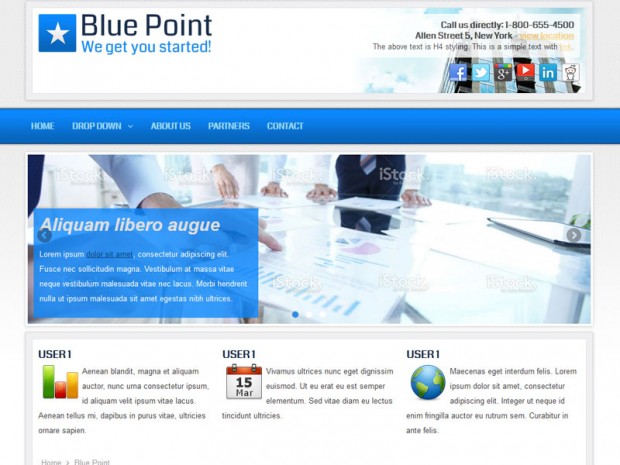
If you need a clean and simple template for your business website, our Blue Point Joomla 1.7 template will suit all your needs. It comes with a great design, multiple collapsible module positions, SEO ready layout, and much more.
We have not included a slideshow position in this template, but if you are planning to use one, we suggest positioning it on user1 module position. Instead the slideshow we added a custom header picture, that can be replaced in the template folder with your own image. The logo can be also replaced or added a custom module to the position ‘logo’.
If you have any questions or you find a bug on this template, feel free to leave a comment bellow. Enjoy our free templates!

hi
Hello, and welcome to NewJoomlaTemplates.com, hope you enjoy our templates and you have found something that you like. Wish you happy holidays.
Thank you
Why is there no main menu? The main menu just does not show up. Why is this so?
You have to create the main menu in the administration panel. After you have the main menu, place the module on the ‘menu’ position. Above you can see the module positions of the template…
I am not able to change logo image; though placed another image over that.
Well done! But you can just create a Custom HTML module, insert the image you want and publish it to position ‘logo’.
how can I change the logo image header in case how to cahnge the image “BLUE POINT” can you take me to do it step by step ?
thanks
1. Fin the logo.png image in the template folder: templates/new04/images/logo.png
2. Edit or replace it with your own logo image.